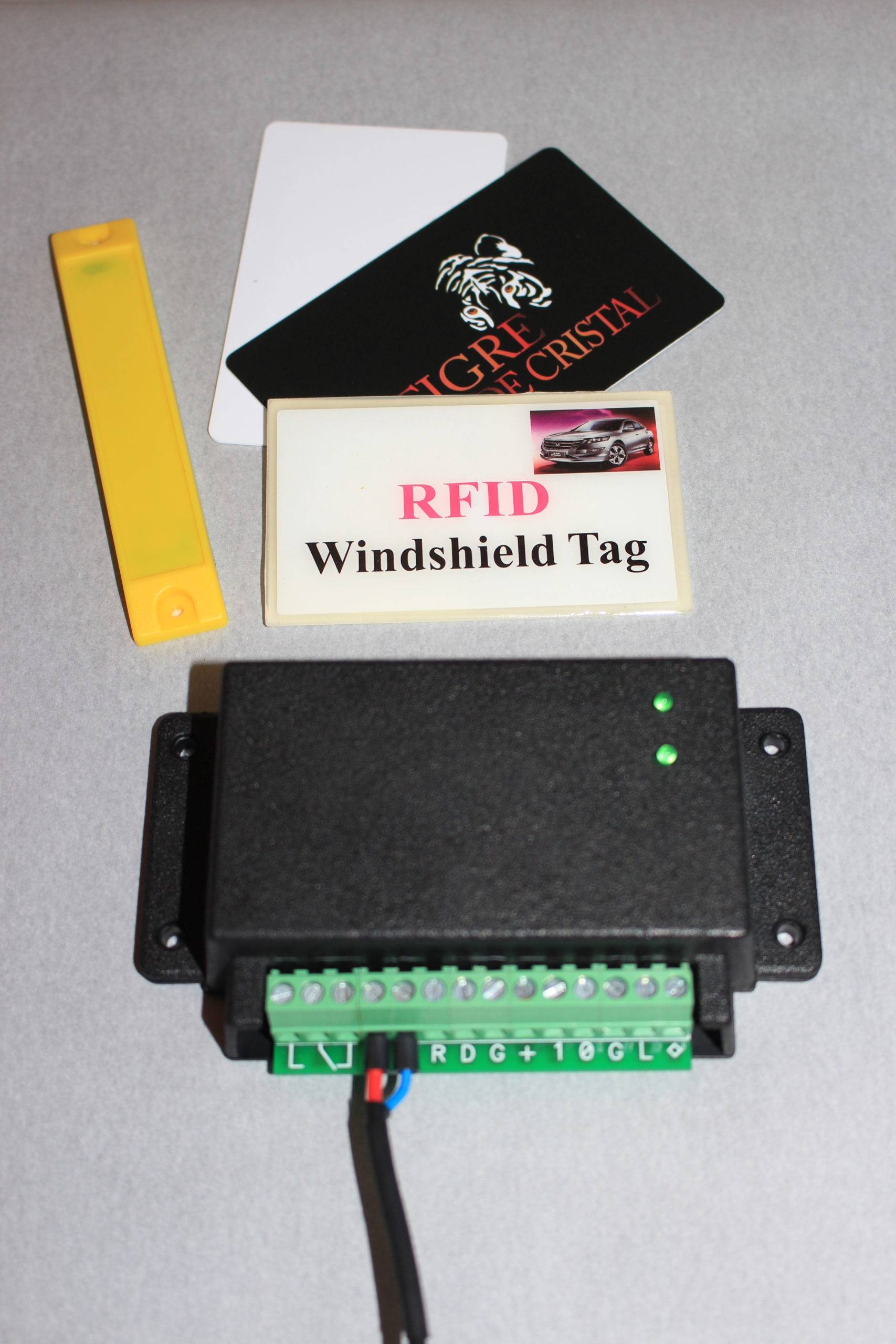
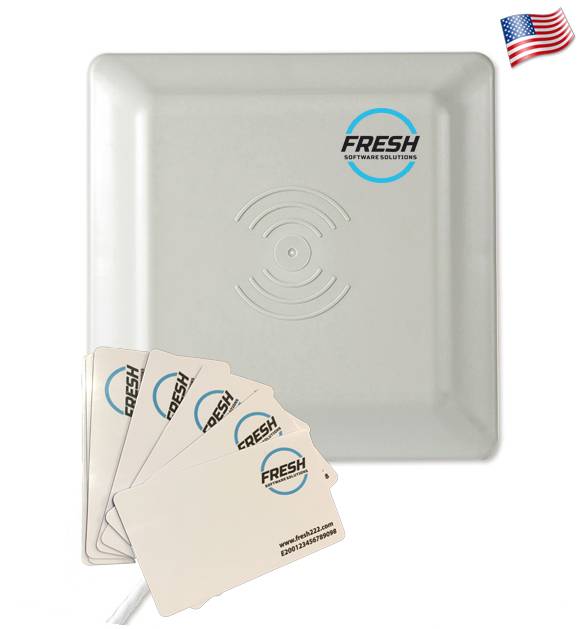
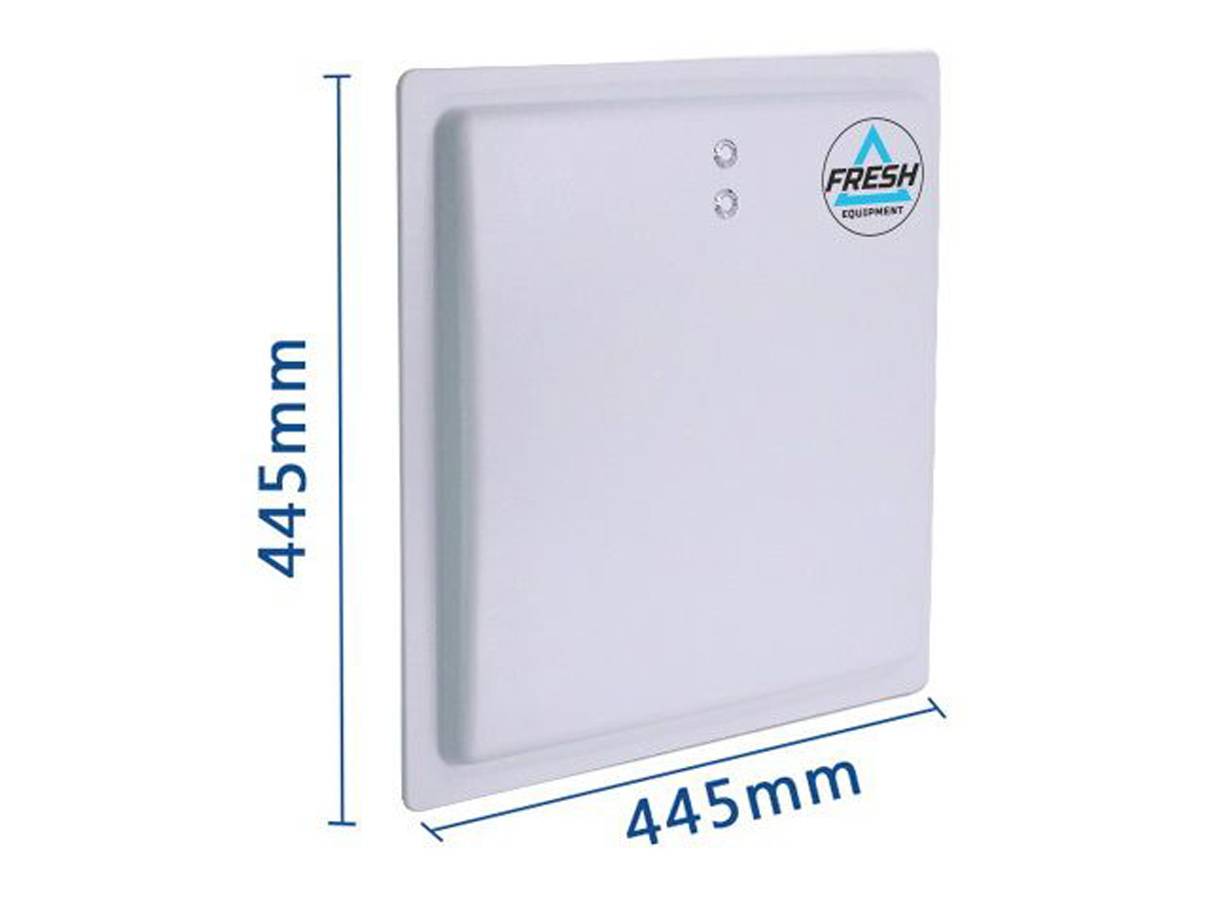
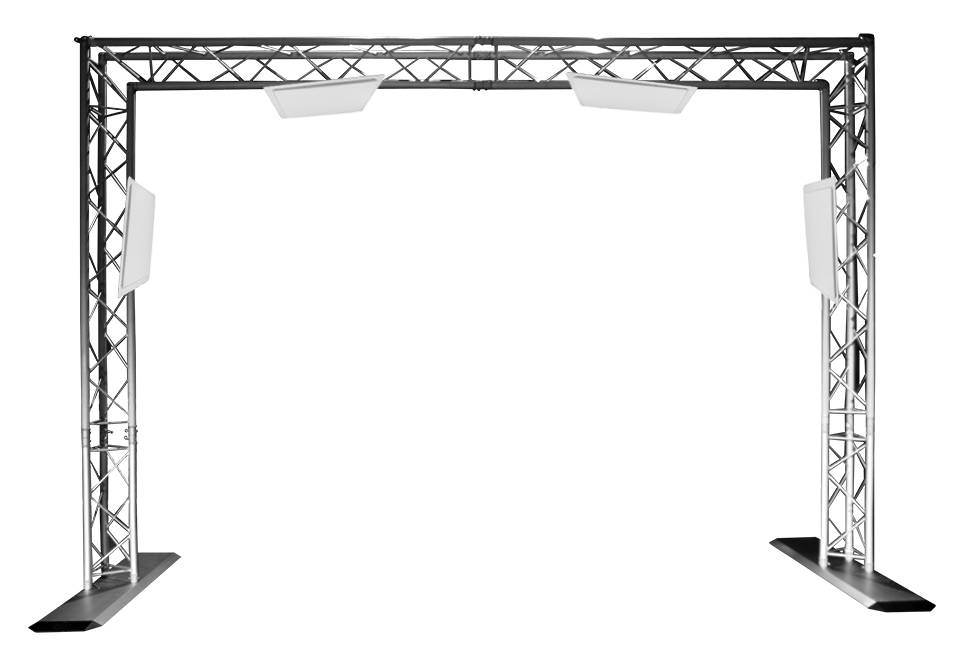
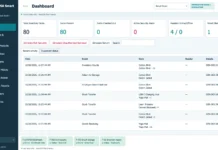
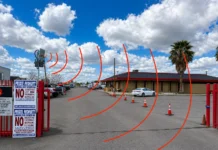
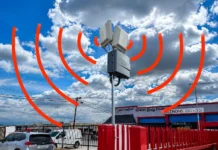
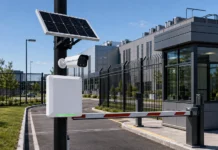
Fresh USA Vehicle Tracking Systems identify and record vehicles as they pass through monitored entrances, exits, parking areas, fleet yards, warehouses, campuses, garages, and other fixed checkpoints. Unlike GPS fleet tracking, which answers “Where is the vehicle on a map?”, Fresh USA vehicle tracking is designed to answer operational questions at controlled locations: Which vehicle crossed this checkpoint? When did it enter? When did it leave? Is it currently shown inside? Which entrance or exit processed the event? Should the gate or barrier open?
View Pricing / Buy Systems Request a Quote
Configure Your Vehicle Tracking System Software Download & Technical Details
This makes vehicle tracking systems from Fresh USA especially useful for organizations that need precise vehicle identification and event history at known access points without installing a cellular GPS tracker and monthly data plan in every vehicle. Depending on the project, Fresh USA can provide standalone identification, advanced autonomous tracking with FA‑900 GatePilot, or a full software-managed multi-checkpoint vehicle tracking system.
Lifetime Software License Available. No Mandatory Monthly Fresh USA Software Fee.
What Is a Vehicle Tracking System?

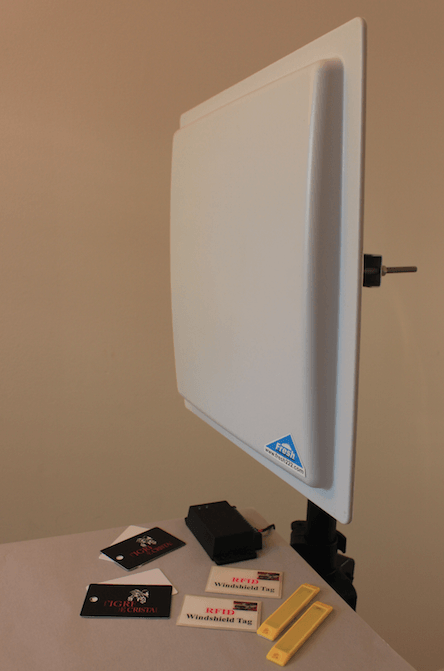
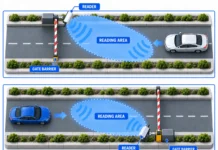
Vehicle tracking systems from Fresh USA use fixed-point vehicle identification and event recording. Readers are installed at selected locations such as an entrance, exit, gate, parking lane, internal checkpoint, warehouse yard, service area, or other controlled point. When a registered vehicle credential enters the reading zone, the system identifies the vehicle and processes the event according to the selected configuration.
The system can be used to:
- identify registered vehicles automatically at monitored checkpoints;
- record vehicle entry and exit events;
- maintain current-inside status in supported entry/exit configurations;
- show which checkpoint processed a vehicle event;
- maintain searchable vehicle movement history;
- apply vehicle permissions, zones, schedules, and restrictions in software-managed systems;
- trigger compatible gates, barriers, or other access devices;
- support multiple entrances, exits, and internal checkpoints;
- generate reports and export selected records.
Vehicle Tracking Systems vs. GPS Tracking
Both systems are called “vehicle tracking,” but they solve different problems.
| Function | Fresh USA Fixed-Point Vehicle Tracking | GPS / Telematics Tracking |
|---|---|---|
| Primary question | Which vehicle crossed this monitored point, and when? | Where is this vehicle geographically? |
| Location model | Installed gates, lanes, entrances, exits, yards, and checkpoints | Continuous or periodic geographic positioning |
| Typical vehicle hardware | Passive windshield credential, vehicle tag, card, or compatible tollway credential | Powered GPS/cellular tracking device |
| Gate automation | Directly suited to vehicle-access decisions at the checkpoint | Normally requires additional access-control integration |
| Monthly cellular plan per vehicle | Not required for passive vehicle credentials | Common in connected fleet-tracking deployments |
| Best fit | Fleet yards, parking areas, warehouses, campuses, gated facilities, secure vehicle zones | Vehicles that must be located while traveling across public roads or wide geographic areas |
Fresh USA does not position passive RFID checkpoint tracking as a replacement for continuous GPS location tracking. The two technologies can also complement each other: GPS can show where a vehicle is on the road, while fixed-point tracking can confirm that a specific vehicle crossed a particular gate, entrance, exit, or internal checkpoint.
Fresh USA Vehicle Tracking Systems: Three Architectures
1. Simple Standalone Vehicle Identification — F‑910 / F‑920 / F‑930
For projects that mainly need automatic vehicle identification and gate control, Fresh USA F‑910, F‑920, and F‑930 readers can authorize compatible credentials locally without a continuously connected computer or cloud service.
- F‑910: up to approximately 13 ft / 4 m
- F‑920: up to approximately 26 ft / 8 m
- F‑930: up to approximately 50 ft / 15 m
- Authorization: local protected credential verification
- Gate control: built-in normally-open dry-contact relay for compatible operators
- Normal operation: no continuously connected PC required
This architecture is excellent for simple autonomous vehicle access, but it does not provide the same centralized individual vehicle history as the advanced autonomous or software-managed tracking configurations.
2. Advanced Autonomous Vehicle Tracking — FA‑900 GatePilot
FA‑900 GatePilot is designed for autonomous vehicle access and tracking projects that need more control than a simple standalone reader. GatePilot maintains an embedded local authorization database, supports individual vehicle credentials, stores offline event records, and supports Windows-based administration without requiring a permanently connected management computer for normal access decisions.
- individual vehicle credential management;
- local authorization database;
- offline event records;
- entry and exit applications;
- Windows-based management and reporting;
- local operation without cloud dependency for the normal access decision;
- support for compatible tollway windshield stickers, including supported I‑PASS / E‑ZPass-type UHF credentials;
- remote and solar-capable installation options where the project configuration supports them.
GatePilot is especially useful for remote gates, fleet yards, storage facilities, private roads, gated properties, and vehicle entrances where the customer wants individual vehicle tracking and event history without a permanently connected central PC.
3. Full Software-Managed Vehicle Tracking
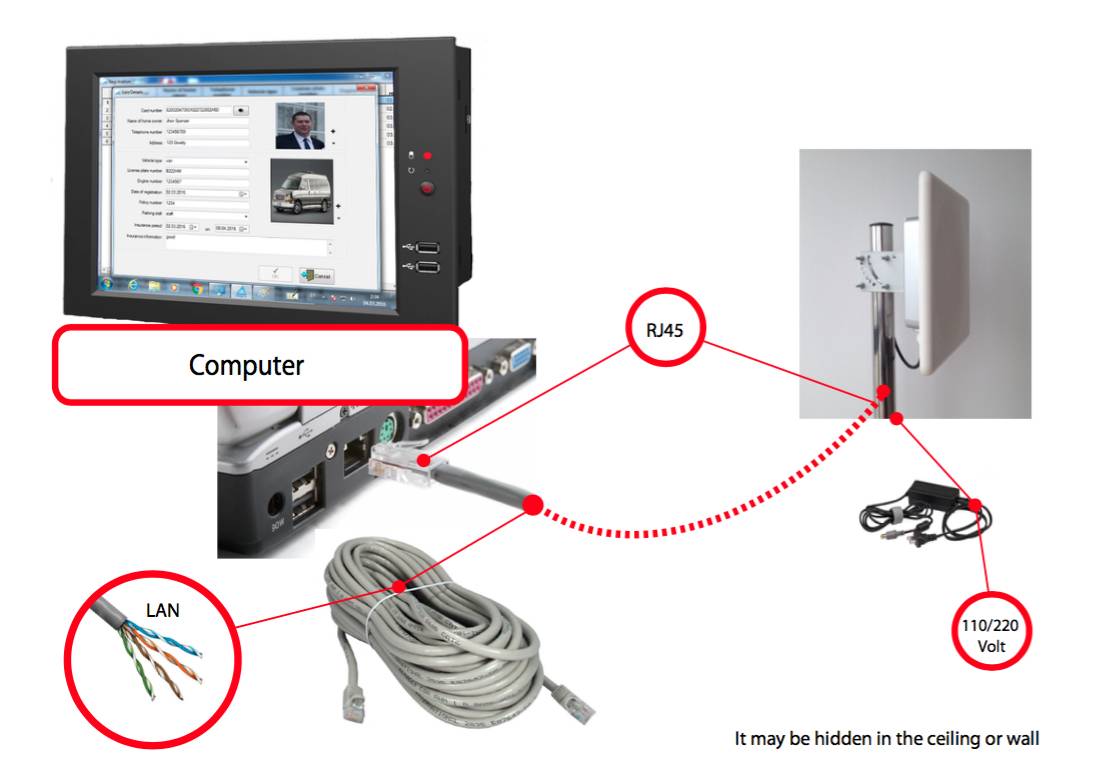
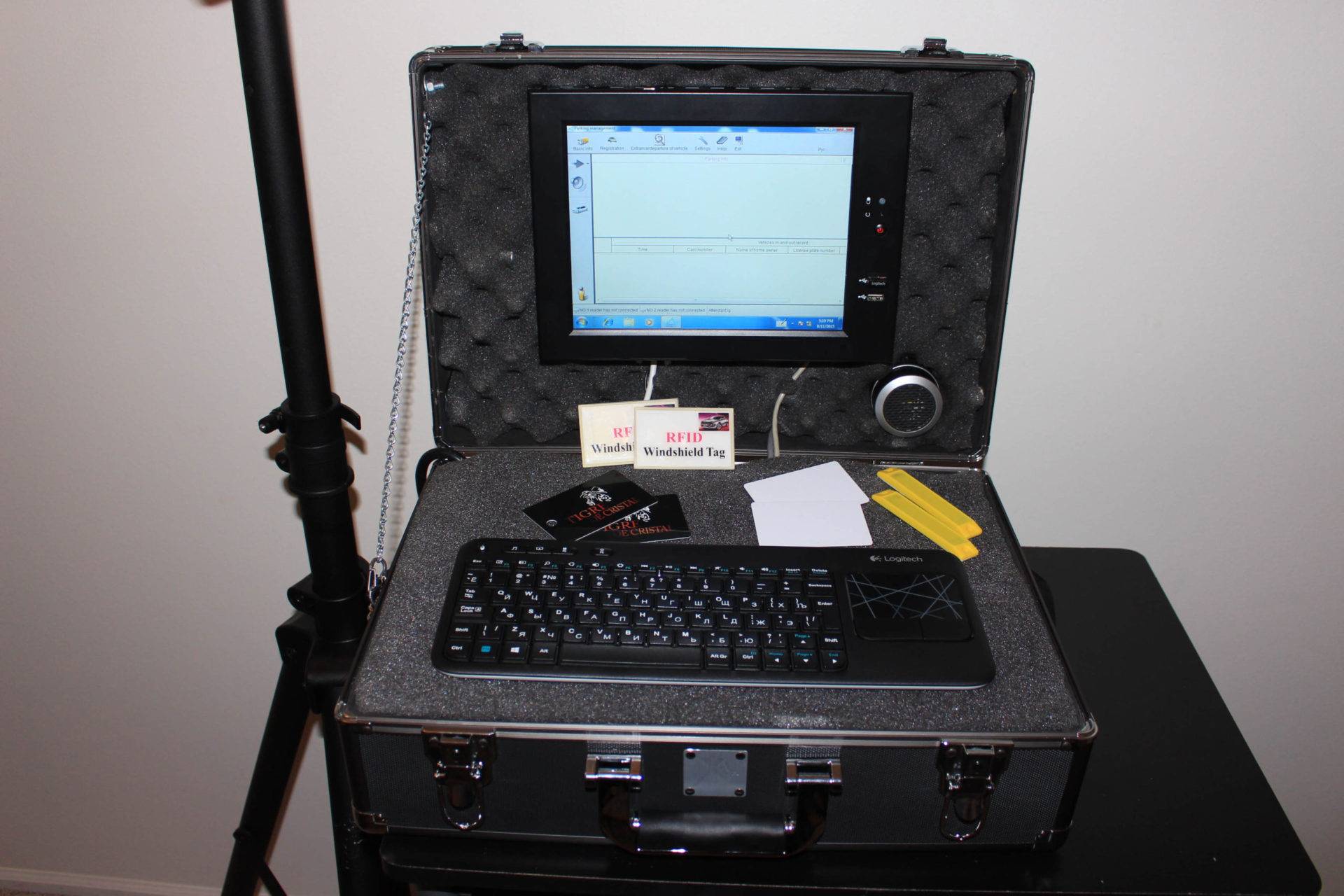
For larger or more complex operations, vehicle tracking systems from Fresh USA can use Windows-based vehicle tracking and parking management software that can manage multiple readers and checkpoints from a central database.
Depending on the project configuration, the software can support:
- vehicle and authorized-user records;
- multiple entrance, exit, and internal checkpoint readers;
- entry and exit event history;
- current-inside vehicle status in supported configurations;
- parking or access zones;
- vehicle permissions and schedules;
- blacklist / whitelist and temporary restrictions where configured;
- searchable history and reports;
- Excel export;
- multiple Windows operator workstations;
- local SQL or shared SQL database architecture;
- cloud-hosted database/server architecture when required;
- project-specific integration with compatible external databases or business systems;
- compatible readable UHF tollway windshield credentials, including supported I‑PASS / E‑ZPass-type tags.
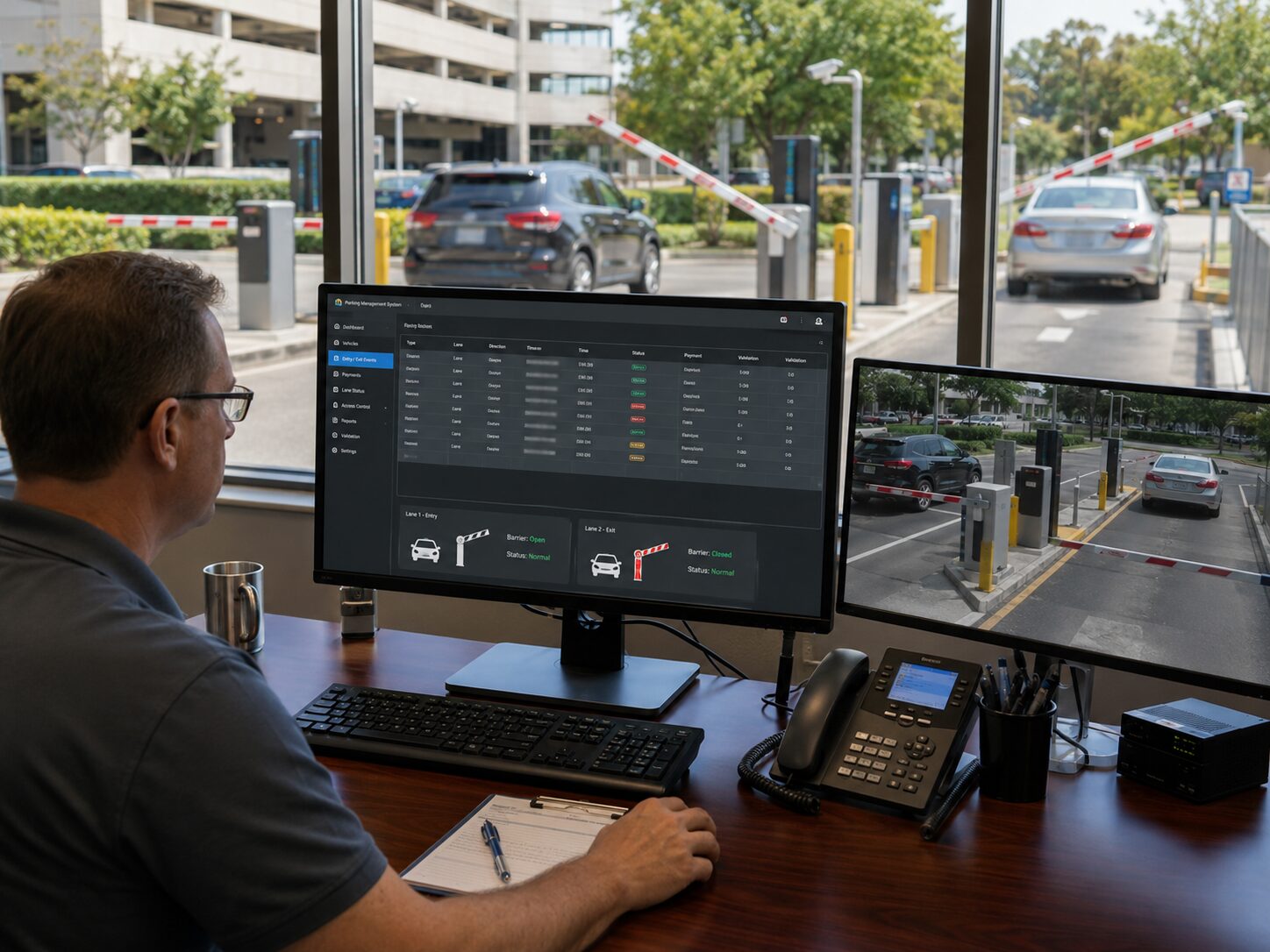
How Vehicle Entry and Exit Tracking Works
Fresh USA vehicle tracking systems create useful records by processing each vehicle event at a known entrance, exit, or internal checkpoint.
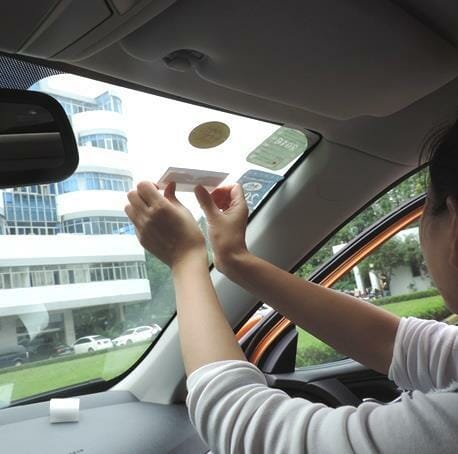
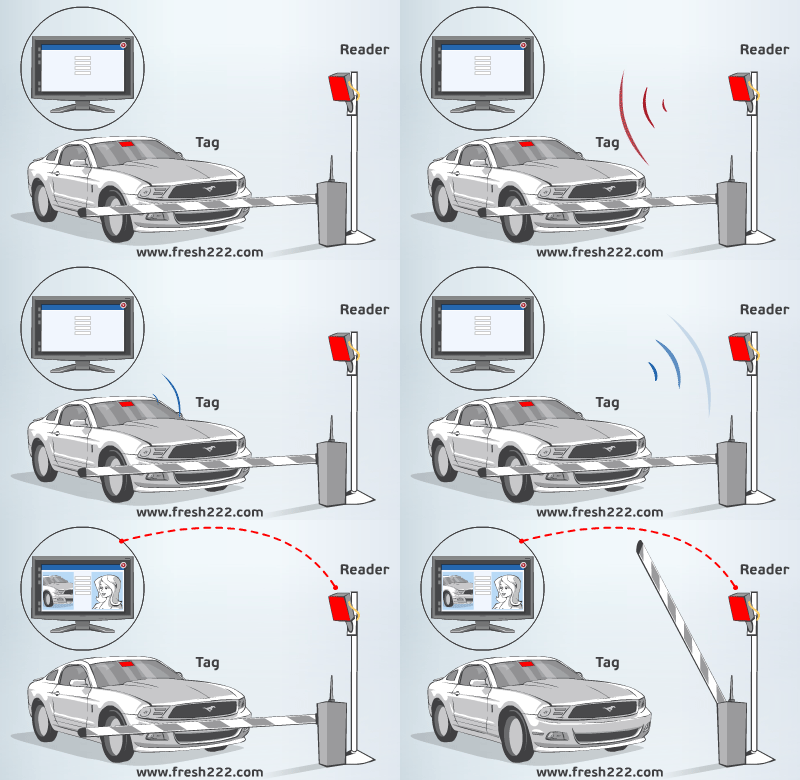
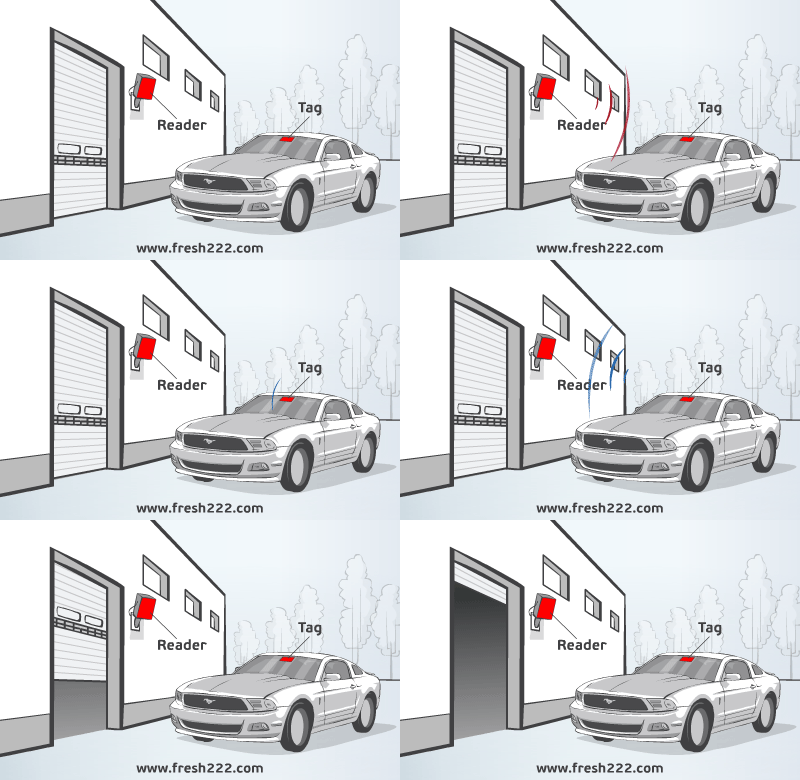
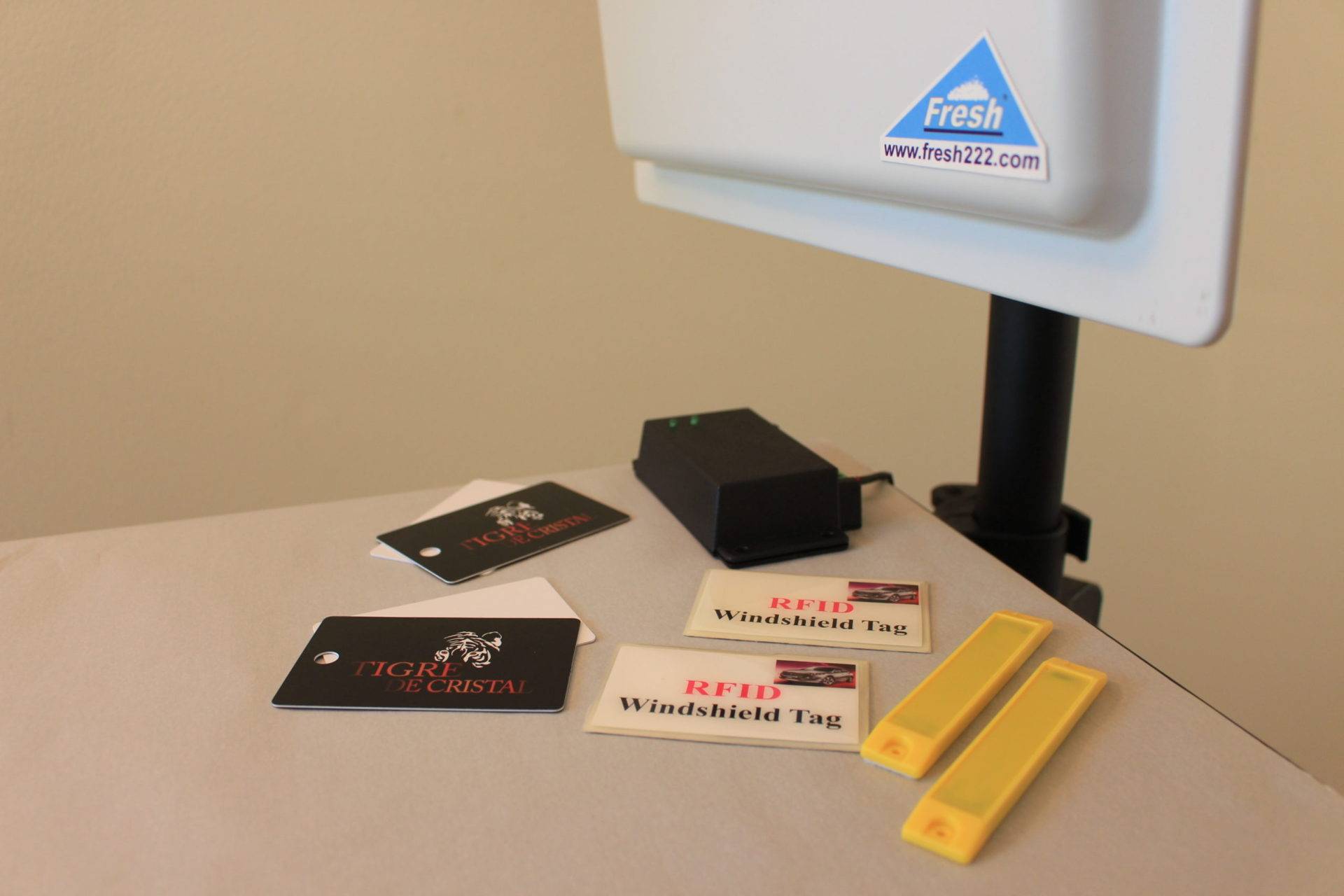
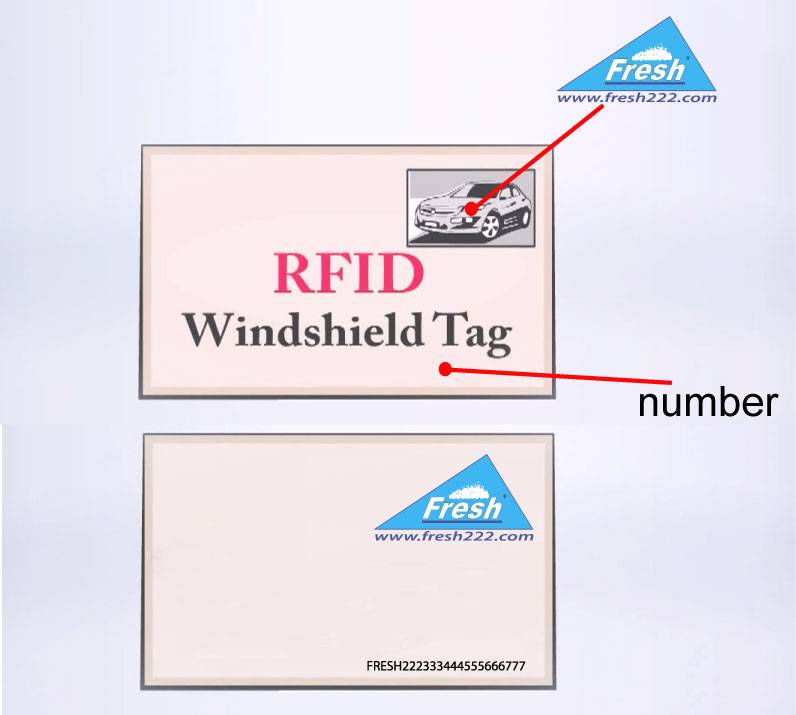
- A vehicle receives or already has a compatible credential. This may be a Fresh USA windshield sticker, vehicle tag, card, or a supported compatible tollway credential.
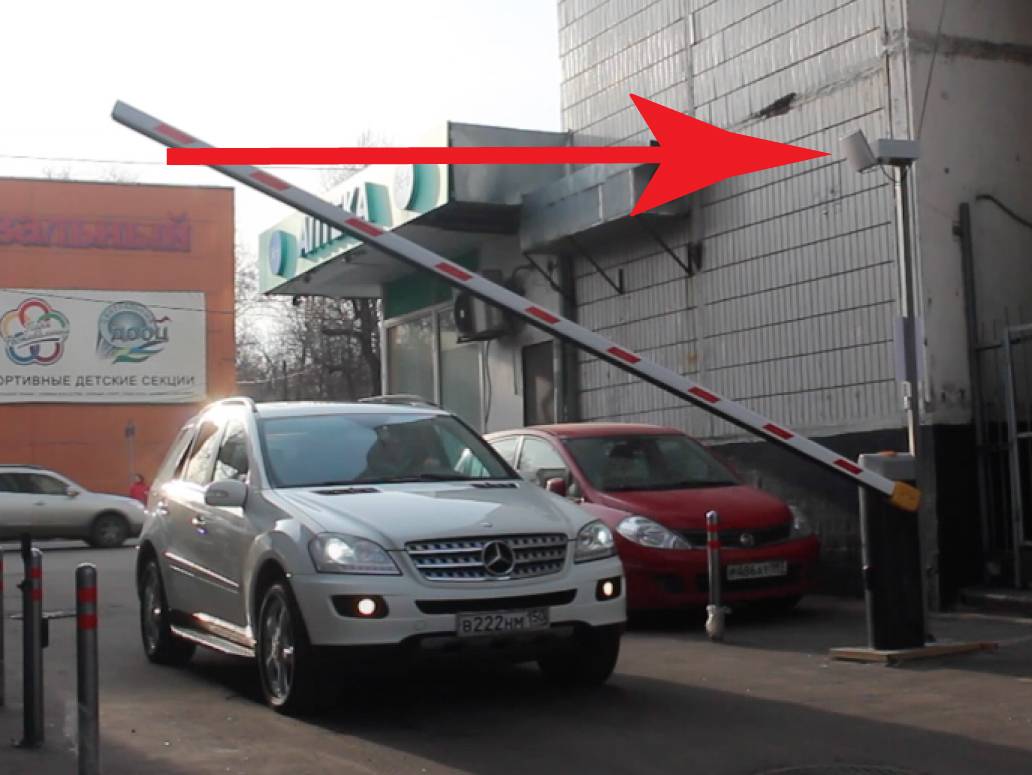
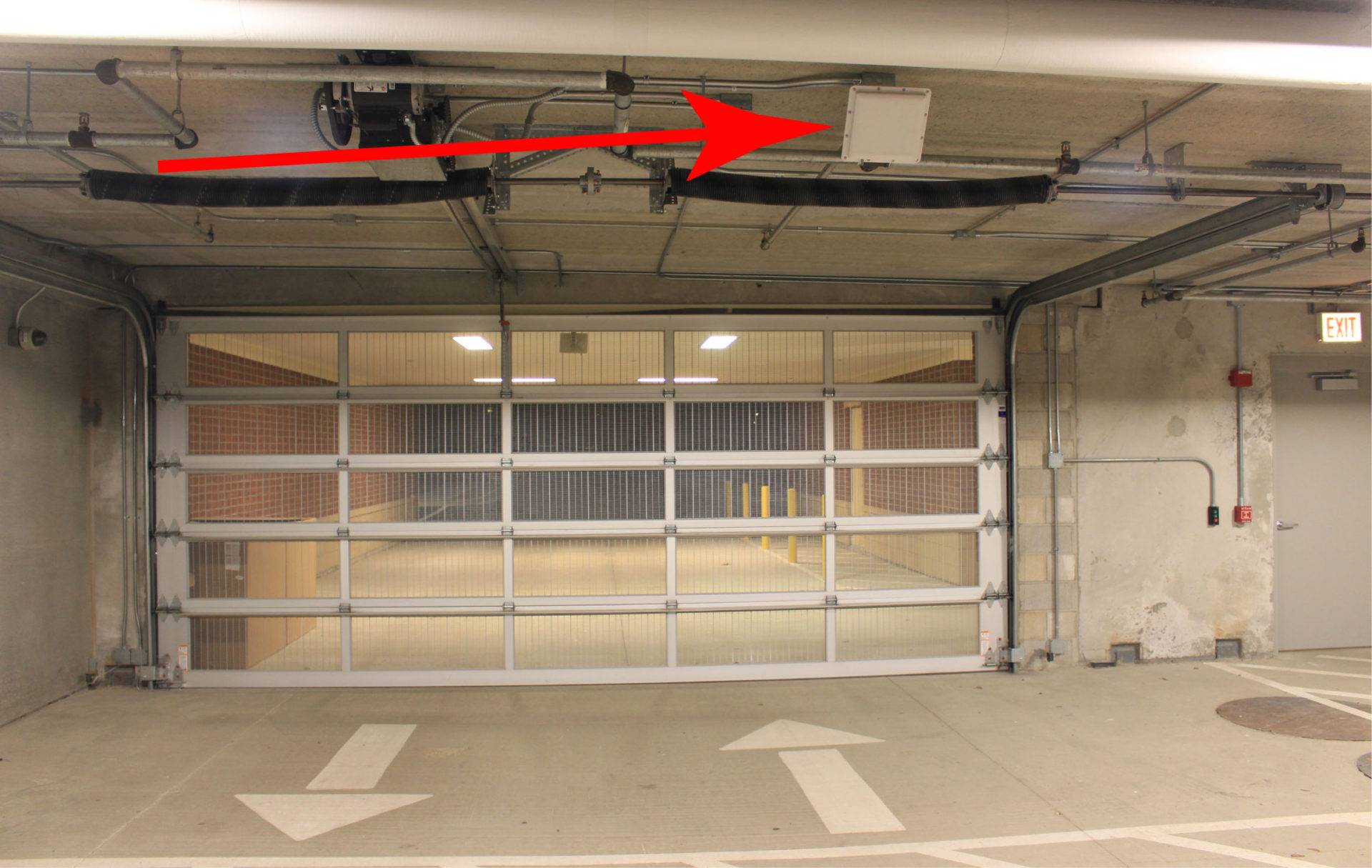
- A reader is installed at the required checkpoint. Typical locations include entrances, exits, parking lanes, fleet-yard gates, garage entrances, warehouse checkpoints, or internal controlled zones.
- The vehicle enters the configured reading area.
- The reader identifies the credential.
- The system processes the event. Depending on the configuration, this may involve local authorization, GatePilot event recording, or centralized software processing.
- The event is recorded where logging is enabled.
- The connected gate or barrier can be triggered if the vehicle is authorized.
- Operators can review history, status, and reports.
For reliable direction and separate entry/exit history, separate readers are normally used for the entrance and exit. This gives the system clearer information about whether the vehicle is entering, leaving, or passing a specific monitored point.
Real-Time Vehicle Tracking at Fixed Checkpoints
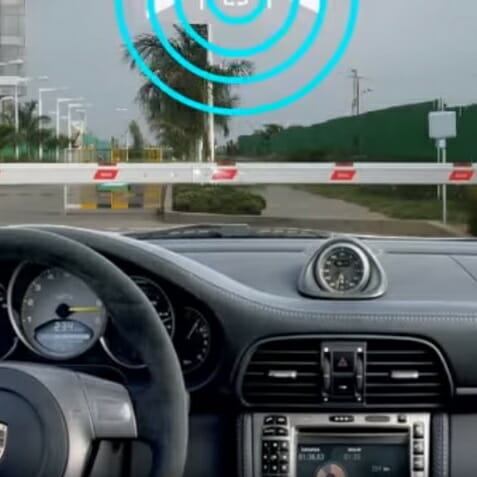
At monitored locations, vehicle tracking systems provide real-time checkpoint detection rather than continuous map-based GPS positioning.
On a Fresh USA system, “real-time vehicle tracking” means real-time detection and processing when a vehicle reaches an installed reader or checkpoint. It does not imply continuous map-based GPS positioning between checkpoints.
At a monitored location, the operator can use the event data to understand:
- which registered vehicle was detected;
- which reader or checkpoint detected it;
- the date and time of the event;
- whether the event was an entry or exit when the system is configured accordingly;
- whether the vehicle is currently shown inside the controlled area in supported configurations;
- whether access was permitted according to the applicable rules.
I‑PASS and E‑ZPass-Compatible Vehicle Tracking
Compatible tollway credentials can make vehicle tracking systems easier to deploy when supported windshield stickers are already assigned to vehicles.
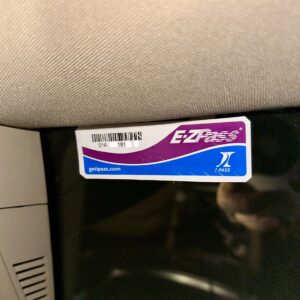
Fresh USA vehicle tracking systems can use compatible readable UHF tollway windshield credentials, including supported I‑PASS and E‑ZPass-type tags, in configurations designed for those credentials.
This can be useful when an organization wants to identify vehicles using a credential that is already installed on the windshield rather than issuing an additional vehicle tag. FA‑900 GatePilot supports compatible tollway windshield stickers, and software-managed configurations can also support compatible readable tollway credentials.
Credential compatibility should be confirmed for the specific reader, credential type, and project before deployment because tollway tag generations and protocols can vary.
Vehicle Tracking Software and Database Options
Fresh USA software provides the management layer for vehicle tracking systems, including vehicle records, permissions, checkpoints, event history, reports, and current vehicle status where supported.
Local Windows Database
A single Windows workstation can manage a smaller vehicle tracking installation using a local database.
Shared SQL Database
Multiple Windows operator workstations can use the same vehicle records, permissions, and event history when a shared SQL architecture is configured.
Cloud-Hosted Database or Server
Where the organization requires hosted infrastructure, the Windows application can be configured to communicate with a cloud-hosted database or server environment when networking, VPN, security, latency, firewall, and database requirements are properly planned.
This is a connected deployment option for the Fresh USA application; it does not change the distinction between fixed-point vehicle tracking and continuous GPS location tracking.
Where Fresh USA Vehicle Tracking Systems Are Used
Fresh USA vehicle tracking systems are designed for facilities where vehicle movement through specific monitored points matters operationally.
- Fleet yards and depots — identify company vehicles entering and leaving controlled yards.
- Warehouses and distribution centers — monitor employee, contractor, fleet, and service vehicle checkpoints.
- Factories and industrial facilities — maintain controlled vehicle history at secured entrances and internal zones.
- Corporate and office parking — identify recurring employee and tenant vehicles.
- University, hospital, and institutional campuses — track vehicles across multiple parking entrances and controlled areas.
- Parking lots and garages — maintain vehicle access and entry/exit history.
- Gated communities and residential properties — identify authorized resident vehicles and maintain access records.
- Vehicle storage and service facilities — record vehicle movement through controlled checkpoints.
- Private roads and secured sites — identify approved vehicles at remote or autonomous entrances.
Vehicle Tracking vs. Fleet Parking Management
Vehicle tracking systems focus on checkpoint detection and movement history, while fleet parking management focuses more directly on parking permissions and fleet-yard operation.
These two Fresh USA solutions are related but intentionally different.
Vehicle Tracking Systems focus on identifying vehicles at installed checkpoints and maintaining detection, entry, exit, status, and movement history.
Fleet Parking Management Systems focus more specifically on fleet-yard parking operations, vehicle permissions, controlled gates, parking zones, and recurring company-vehicle workflows.
Vehicle Tracking vs. Vehicle Access Control
Vehicle access control answers: “Is this vehicle allowed through this gate?”
Vehicle tracking adds the operational record: “Which vehicle was detected, where, and when?”
A Fresh USA project can do both. An authorized vehicle can be identified, logged, checked against its permissions, and then used to trigger the connected gate or barrier.
For the broader access-control architecture, see Vehicle Access Control Systems. For autonomous gate configurations, see Vehicle Gate Access Control Systems.
Why Use Fixed-Point Vehicle Tracking Systems?
- Precise checkpoint awareness: know when a vehicle crosses a selected entrance, exit, or internal checkpoint.
- Passive credentials: compatible vehicle credentials do not require a cellular modem and monthly data plan in every vehicle.
- Gate automation: tracking and access decisions can be combined in the same vehicle workflow.
- Local operation: standalone and GatePilot architectures can make normal access decisions locally.
- Individual vehicle records: managed systems can associate events with registered vehicles or users.
- Multiple checkpoints: software-managed systems can combine activity from several entrances, exits, lanes, or zones.
- Historical records: event data can be searched and reported later.
- Expandable architecture: begin with one monitored point and expand to additional readers, workstations, zones, or integrations.
What to Confirm Before Choosing a Vehicle Tracking System
The best vehicle tracking systems are configured around the number of checkpoints, vehicle quantity, required event history, credential type, and gate workflow.
- What exactly needs to be tracked: entry, exit, internal checkpoint movement, or current-inside status?
- How many entrances, exits, lanes, or checkpoints are required?
- How many vehicles will be registered?
- What vehicle credentials are already in use?
- Do you want to use compatible I‑PASS / E‑ZPass-type windshield credentials?
- Is automatic gate or barrier control required?
- What reading distance is required?
- Do you need standalone, GatePilot, or centralized software management?
- Do you need event history, reports, zones, schedules, or temporary restrictions?
- Is a local, shared SQL, or hosted database architecture preferred?
- What network, power, and mounting infrastructure is available at each checkpoint?
Configure Your Vehicle Tracking System
Frequently Asked Questions About Vehicle Tracking Systems
Does Fresh USA provide GPS vehicle tracking?
This page is focused on Fresh USA fixed-point vehicle tracking using installed readers and monitored checkpoints. It is designed to identify vehicles at specific entrances, exits, gates, parking areas, yards, and controlled zones rather than continuously display a vehicle’s geographic position on a road map.
Can the system show whether a vehicle is currently inside?
Yes, in a properly configured entry/exit system, processed entry and exit events can be used to maintain current-inside status for registered vehicles.
Can the system distinguish entry from exit?
Yes. For reliable direction and separate event history, separate entrance and exit readers are normally used.
Does FA‑900 GatePilot support I‑PASS or E‑ZPass-type tollway stickers?
Yes. FA‑900 GatePilot supports compatible tollway windshield stickers, including supported I‑PASS / E‑ZPass-type UHF credentials. Compatibility should be confirmed for the specific credential and project configuration.
Can software-managed Fresh USA systems use compatible tollway stickers?
Yes. Compatible readable UHF tollway windshield credentials can be used in software-managed configurations designed for those credentials.
Can the system work without Internet access?
Yes. Fresh USA offers standalone and autonomous configurations that make the normal access decision locally. Centralized or hosted software architectures can be added when the project requires them.
Can the system automatically open a gate?
Yes. When a vehicle is authorized, compatible Fresh USA readers or controllers can provide the required relay or control output to a compatible gate or barrier operator.
Can multiple checkpoints use the same vehicle database?
Yes. Software-managed configurations can combine multiple entrances, exits, lanes, and checkpoints using a common database.
Does Fresh USA require a monthly software subscription?
No. Fresh USA offers lifetime software license options with no mandatory monthly Fresh USA software subscription. Hosting, cellular connectivity, payment processing, or third-party services may have separate charges where applicable.
What is the main advantage over GPS for a controlled facility?
GPS is designed to show geographic vehicle location. Fresh USA fixed-point tracking is designed to precisely identify and record vehicles when they cross selected facility checkpoints and can directly combine that detection with access permissions and gate automation.
Request a Vehicle Tracking System Quote
Fresh USA can recommend vehicle tracking systems based on the number of checkpoints, required reading distance, vehicle quantity, credentials, entrance and exit layout, gate equipment, event-history requirements, database architecture, and whether the project needs simple identification, FA‑900 GatePilot autonomous tracking, or centralized software management.
For an accurate recommendation, send photos or a simple site layout showing each entrance, exit, or checkpoint and note the approximate number of vehicles and required workflow.
View Pricing / Buy Systems Request a Quote
Software Download & Technical Details