
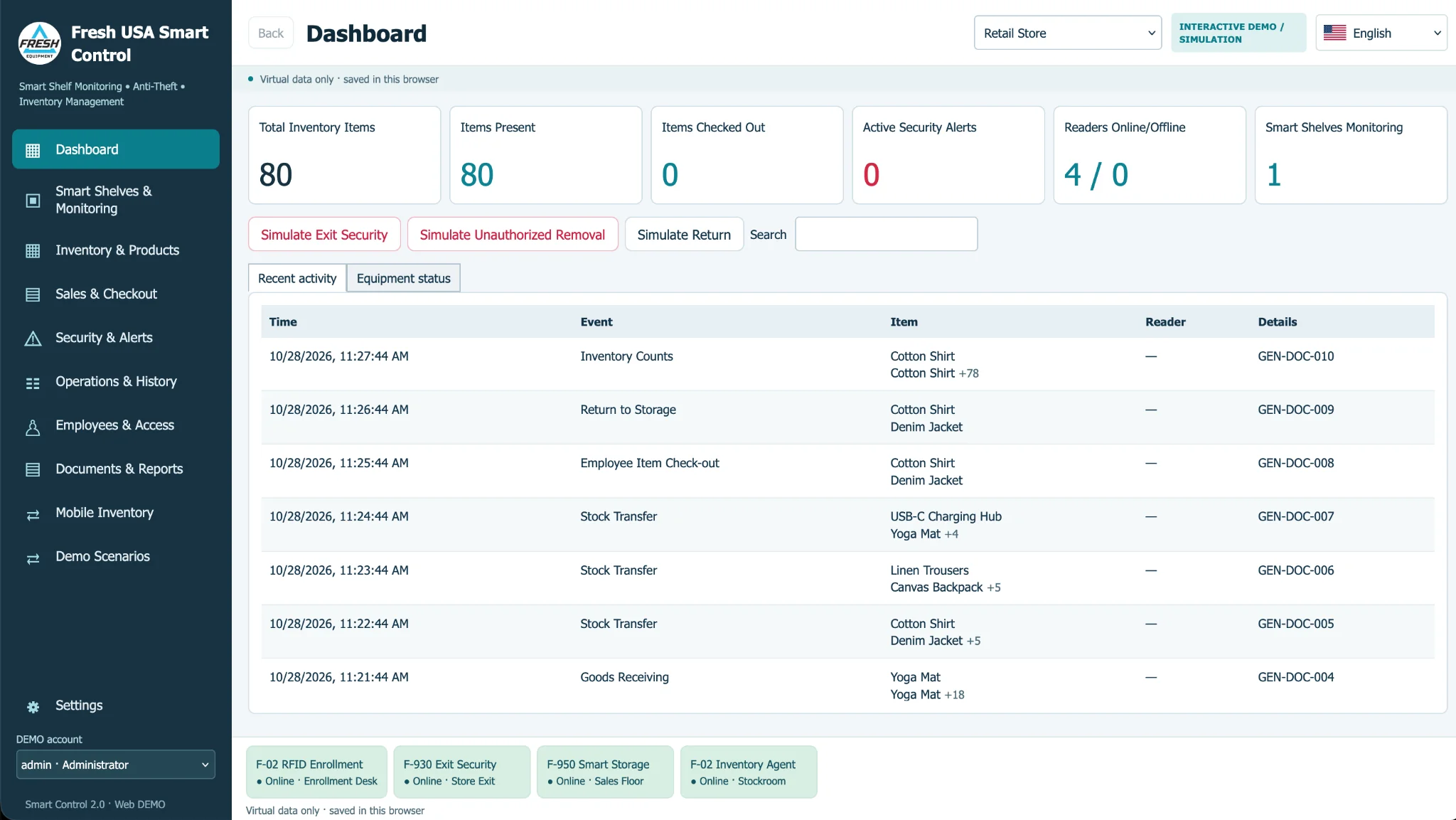
Fresh USA Smart Control 2.0 is inventory management software for retail stores, jewelry businesses, stockrooms and organizations that need item-level tracking, inventory control and loss prevention. One Windows platform supports multiple operational workflows with compatible equipment.
Learn how the software organizes merchandise, tracks stock movement and supports monitored locations. For pricing and project consultation, contact Fresh USA.
What Smart Control Software Does
Fresh USA Smart Control 2.0 brings inventory management software and merchandise protection into one Windows-based workspace. Instead of switching between unrelated tools, teams can record stock activity, supervise protected merchandise, and review item movement. Businesses can start with basic inventory management and add monitoring, employee accountability and sales functions as their operation grows.
Inventory Management for Everyday Operations
The inventory management software helps users register products and item identifiers, maintain inventory records, review balances, and document adjustments. Staff can track receiving, transfers and counts within an organized workflow. Businesses evaluating inventory management software can explore a demonstration before selecting readers, tags and other equipment. The objective is to make routine inventory decisions understandable to store managers as well as technical personnel.
Retail Inventory Management and Store Operations
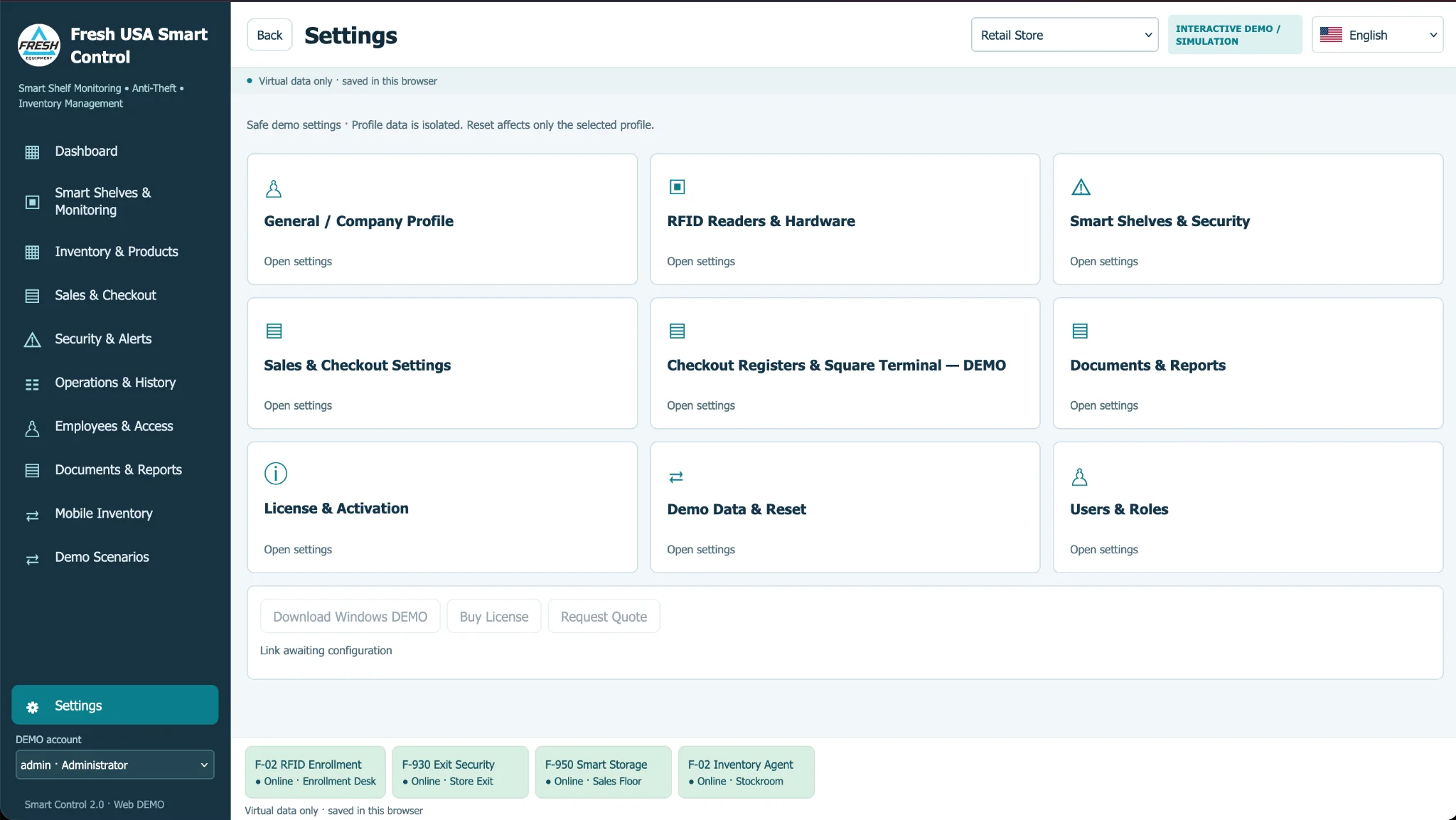
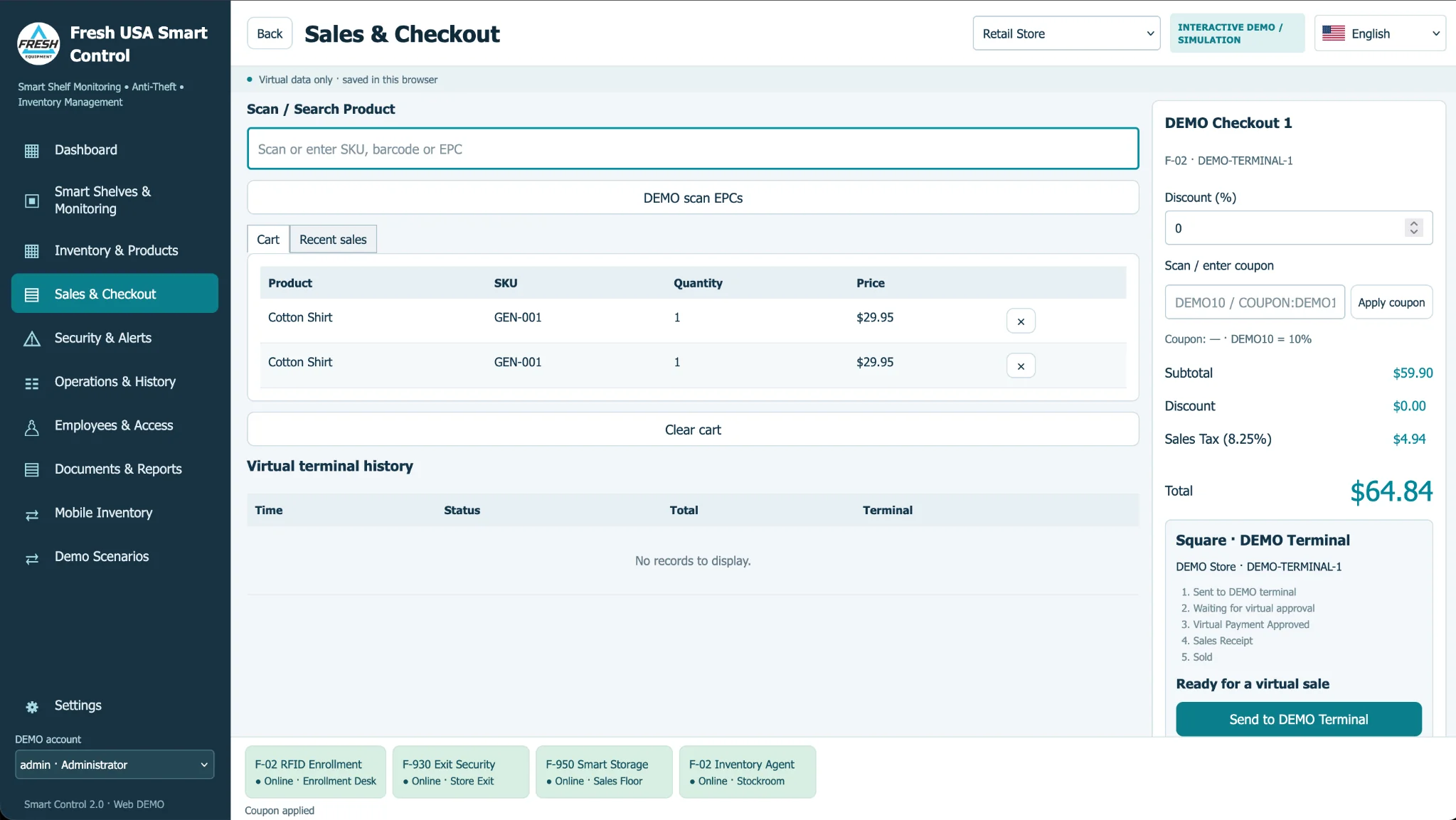
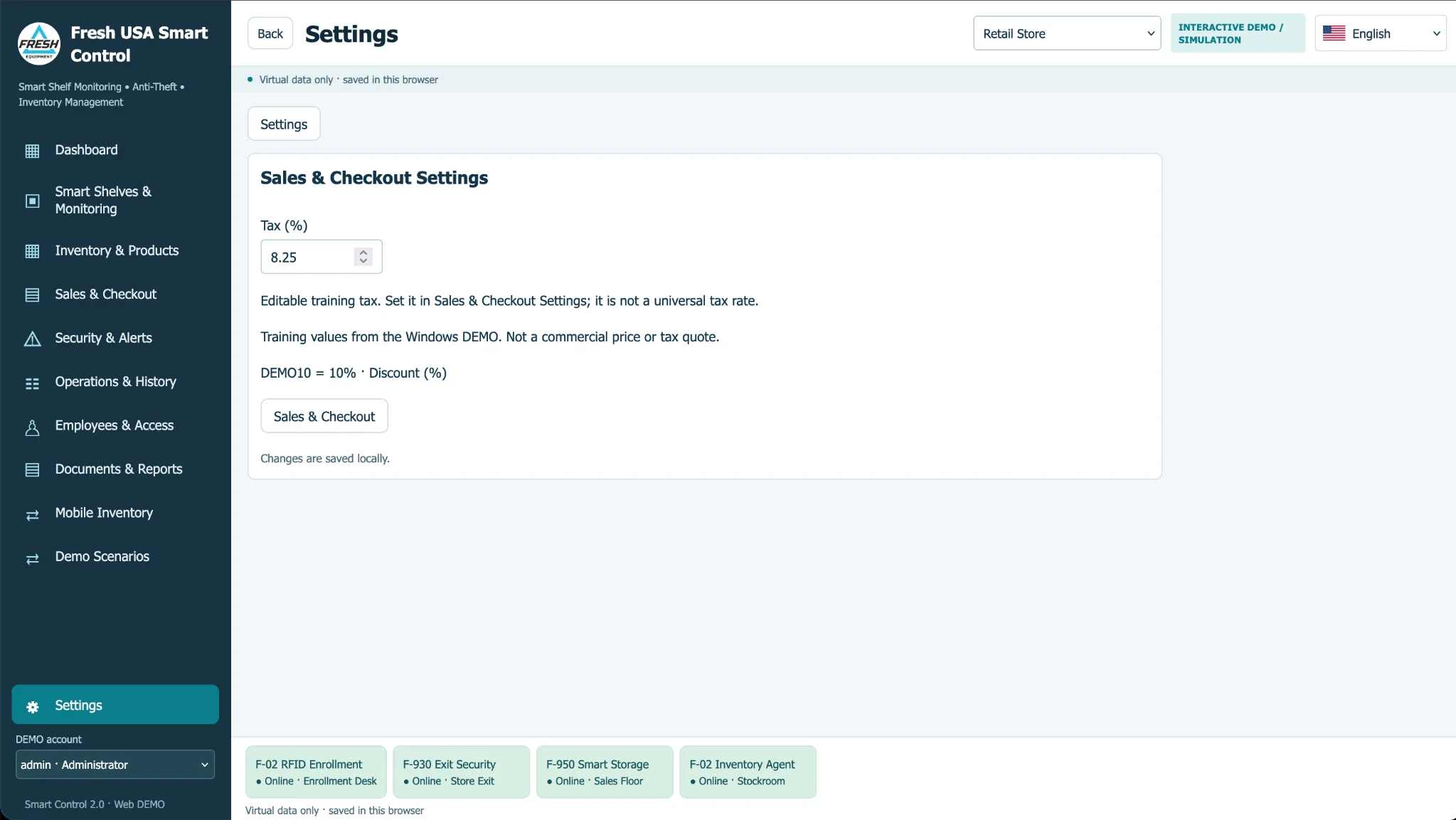
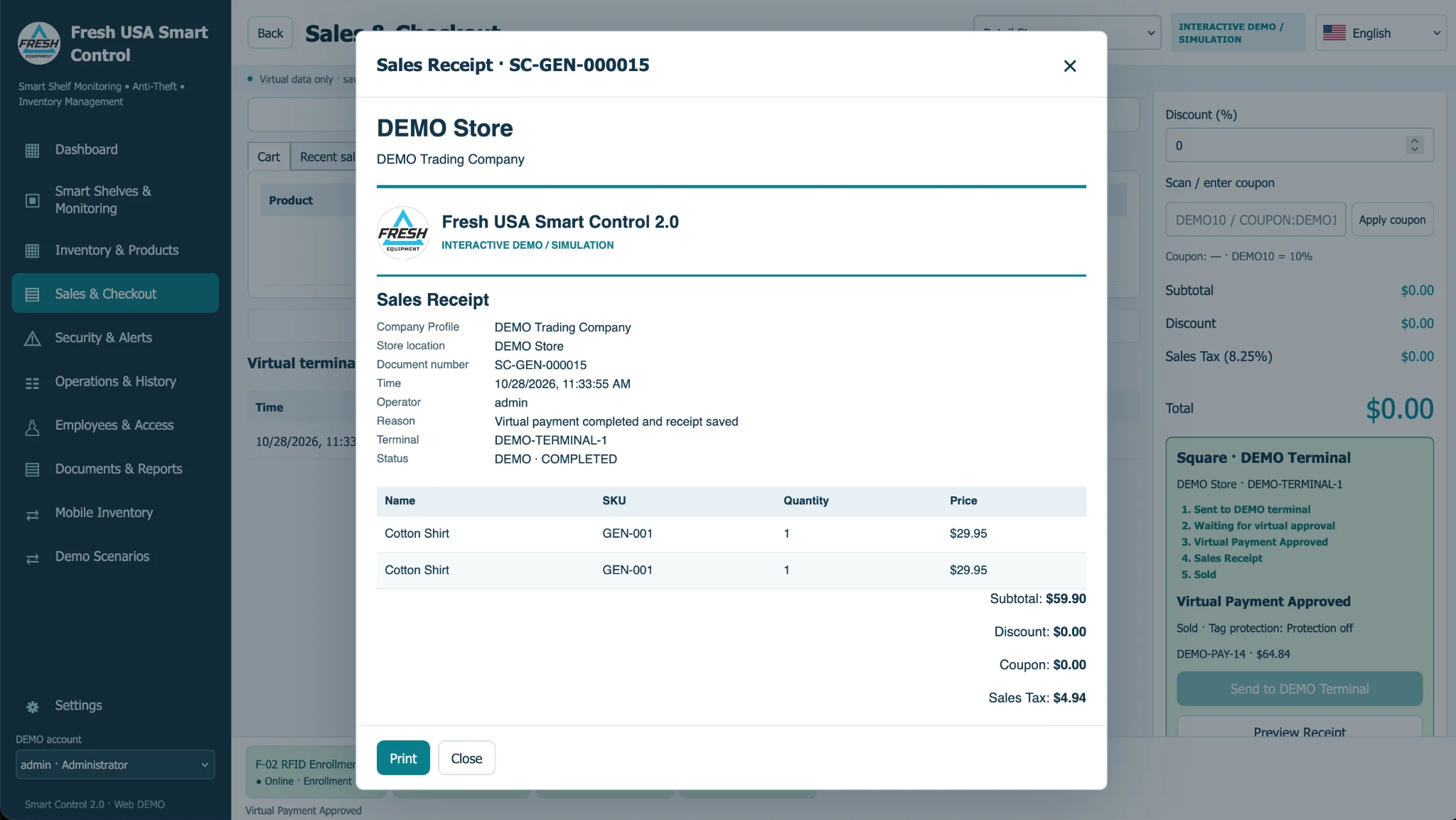
Retail inventory management software must support the practical flow of goods, not just a spreadsheet of products. Smart Control connects merchandise records with movement, monitored areas and selected checkout processes. It can help teams identify discrepancies and follow the history of tagged merchandise. The exact checkout, tax, discount and receipt capabilities depend on the current installed software edition and should be confirmed during project planning.
Smart Shelf Monitoring
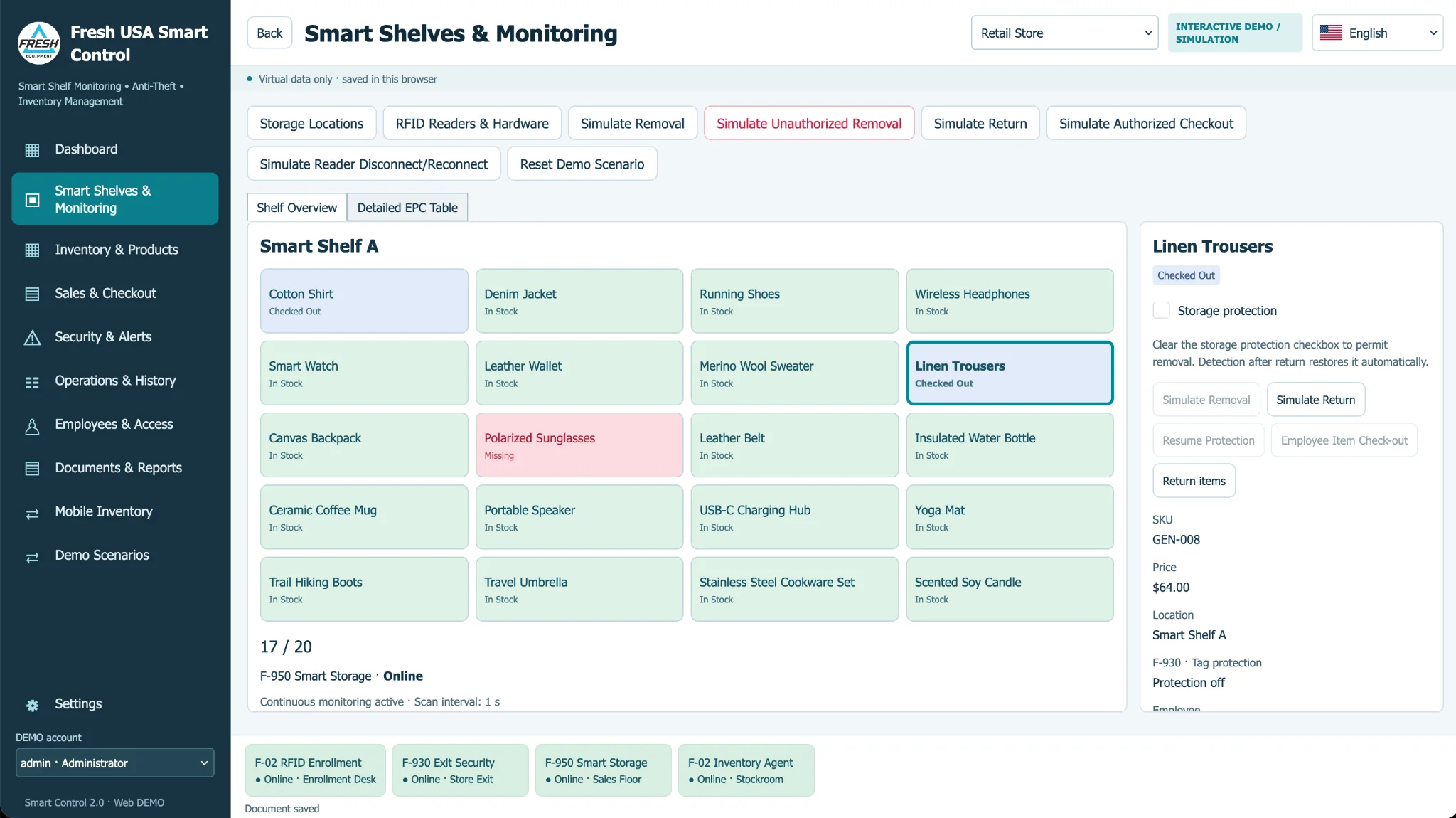
For valuable products, Smart Shelf monitoring connects selected shelves and displays to compatible identification equipment. The software can show activity in monitored zones and support configured alerts when merchandise is removed. A jewelry business can use inventory management software for item records while assigning special monitoring to showcases or storage spaces. Physical performance depends on the tags, placement, reader settings and surrounding materials.
Loss Prevention and Exit Monitoring
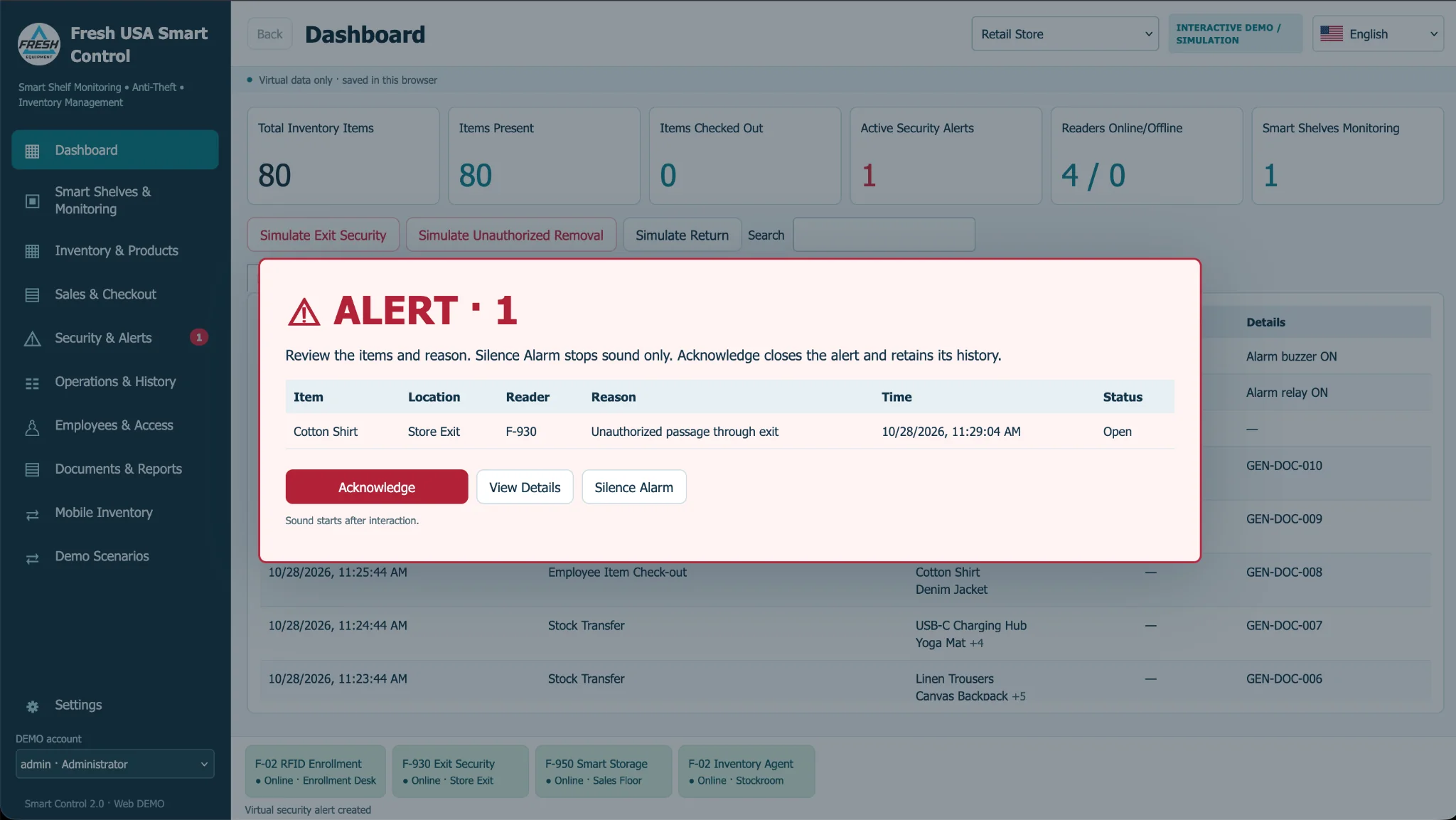
Smart Control can combine stock records with monitored exits and security events when the appropriate hardware and software functions are deployed. This supports a broader loss prevention workflow: staff review changes, investigate exceptions and distinguish authorized movement from activity requiring attention. Inventory management software and anti-theft hardware are complementary components, not interchangeable substitutes.
Jewelry and Watch Inventory
High-value products need individual identification and an audit trail. Jewelry teams can use inventory management software to organize item records and work with compatible handheld counting equipment. When a project also requires showcase security, monitored shelves and exit detection can be considered. Explore our jewelry inventory management system for the complete application and equipment context.
Warehouse and Stockroom Inventory
Receiving, storage transfers, cycle counts and inventory reconciliation are common warehouse priorities. Inventory management software provides the operational record; compatible mobile and fixed equipment can support item identification. A warehouse project may also require exit monitoring and staff accountability. Explore warehouse loss prevention systems for the security side of a deployment.
Equipment and Employee Accountability
Selected businesses need to assign items to personnel, record checkouts and returns, and investigate missing equipment. Inventory management software can connect identifiable products or equipment with accountable workflows where enabled. For a specialized healthcare deployment, read about hospital asset tracking; for data centers, see IT asset tracking software.
Mobile Counting and Inventory Reconciliation
A handheld inventory workflow can help staff perform physical counts and review discrepancies. Compatibility and supported data exchange methods depend on the selected handheld and the installed software version. Inventory management software should be configured around an actual receiving, counting and reconciliation process rather than promises of universal device compatibility.
Reports and Audit History
Inventory management software is more useful when staff can review transaction history, stock movements, adjustments and security events without rebuilding reports manually. Smart Control is intended to make these records easier to locate. Specific document, export and printing functions must be confirmed against the current product build.
See the Interactive Software Demo
Explore a browser-based simulation to understand key screens and workflows. The interactive simulation demonstrates concepts and does not connect to real RFID equipment or guarantee that every simulated function exists in a particular installed release. Explore Interactive Demo
Configure a Complete System
Inventory management software is one part of a complete implementation. Select readers, antennas, tags and monitoring zones to fit the premises and the work process. The Inventory, Tracking and Security System Configurator helps scope an appropriate configuration. Confirm model compatibility and final scope with Fresh USA before ordering.
Frequently Asked Questions
Is Smart Control intended only for retail stores?
No. Inventory management software can support retail, jewelry, stockrooms and other businesses tracking identifiable goods, subject to application configuration.
Does the interactive demo require readers?
No. The browser simulation lets visitors explore a demonstration workflow without connecting physical devices.
Is Smart Control a cloud service?
Smart Control is described here as Windows-based software. Network, database and licensing arrangements must be confirmed for the actual deployment.
Can we add security monitoring later?
Expansion may be possible using compatible readers and monitored zones. The required hardware and software options should be reviewed for each site.
Discuss Your Project
Tell Fresh USA what you manage, the approximate item count, how merchandise moves, what security controls you need and whether installation is required. We can recommend a practical project scope. Request a Quote